Remove Local Time Machine Snapshots
•
1 min read
#macos#timemachine#tips
Sometimes it can be necessary to delete the local snapshots created by Time Machine, in order to free up some space – usually these snapshots get synced over to your backup disk.
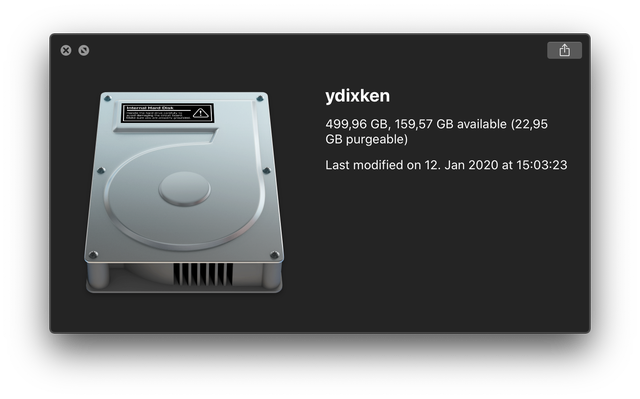
Using a small for-loop to remove the snapshots, we can save lots of time copy-pasting the timestamps:
bash
for s in $(tmutil listlocalsnapshots / | cut -d "." -f4 | sed -n '1!p'); do
  sudo tmutil deletelocalsnapshots $s
done

Deleted local snapshot '2020-01-26-041427'
Deleted local snapshot '2020-01-26-051820'
Deleted local snapshot '2020-01-26-061427'
Don't forget the /System/Volumes/Data volume, if you're running on macOS 10.15:
bash
for s in $(tmutil listlocalsnapshots /System/Volumes/Data | cut -d "." -f4 | sed -n '1!p'); do
  sudo tmutil deletelocalsnapshots $s
done